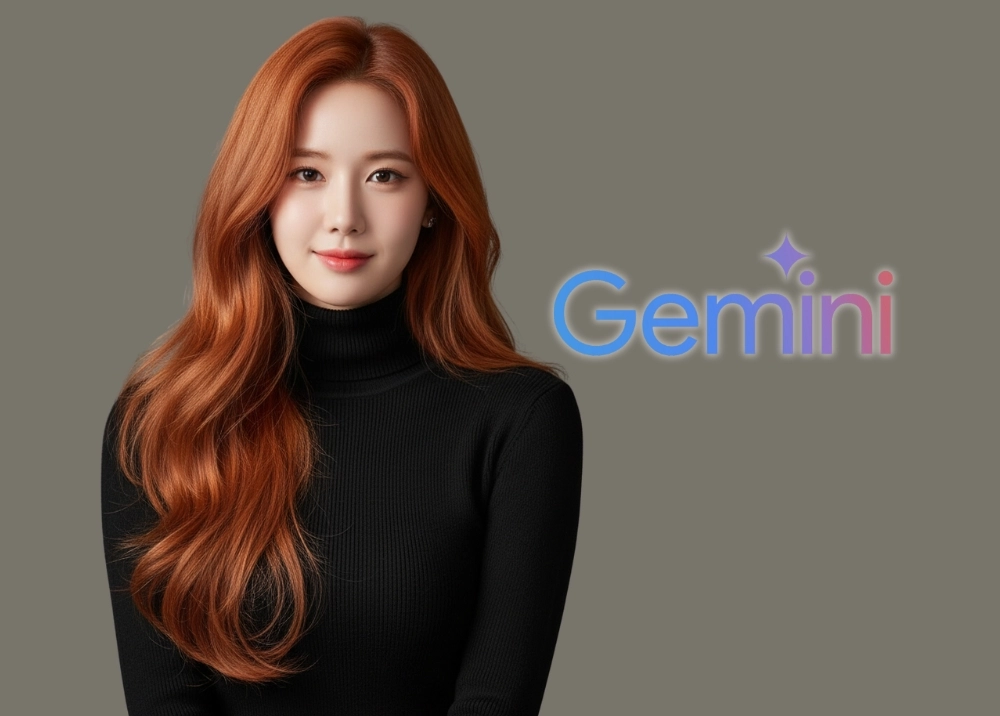
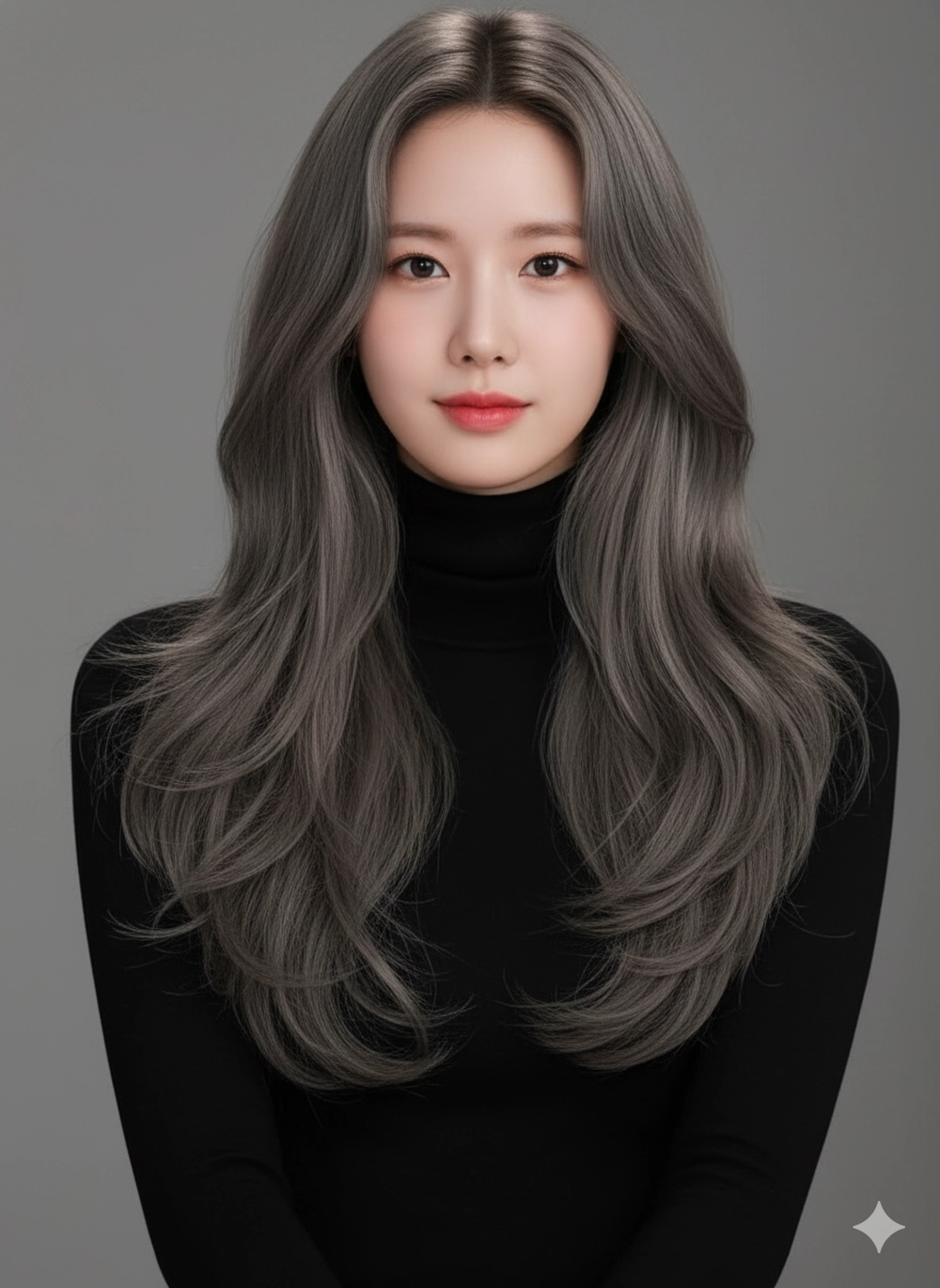
Tết 2026 đang cận kề, và việc “F5” bản thân với một màu tóc mới luôn là ưu tiên hàng đầu của hội chị em. Thế nhưng, nỗi lo “nhuộm xong không hợp” hay sợ hỏng tóc tại salon luôn khiến chúng ta chần chừ. Giờ đây, chỉ với Google Gemini AI, bạn có thể thử hàng chục màu tóc “cháy” nhất hiện nay ngay trên chiếc smartphone để chọn màu ưng ý mà không cần tốn một xu.
Cách tạo ảnh với nhiều màu tóc khác nhau bằng Gemini
Bước 1: Truy cập công cụ và tải ảnh lên
Đầu tiên, bạn tìm kiếm và truy cập vào trang web của Google Gemini hoặc ứng dụng Gemini trên điện thoại). Chọn tính năng “Tạo hình ảnh” (Image Generation) hoặc giao diện nhập câu lệnh trực tiếp.
Sau đó, bạn tải lên bức ảnh chân dung rõ nét mà muốn AI sử dụng khuôn mặt. Lưu ý chọn ảnh chính diện hoặc góc 3/4 rõ ràng, không bị che bởi tóc hay vật thể. Bên cạnh đó, ánh sáng cần đồng đều, không quá tối hoặc bị ngược sáng mạnh để AI lấy nét tốt nhất.
Bước 2: Nhập câu lệnh màu tóc bạn ưng ý
Hình 1: Vàng khói balayage
Transform the reference photo into a hyper-realistic, high-resolution studio portrait. Preserve the exact facial features. Give the subject long, voluminous hair styled in loose, beachy waves that fall past her shoulders. The hair color is a natural dark blonde with subtle balayage highlights. Subject is wearing a fitted black turtleneck. Lighting is dramatic studio lighting with high contrast. Shot with an 85mm lens, smooth skin texture, neutral background
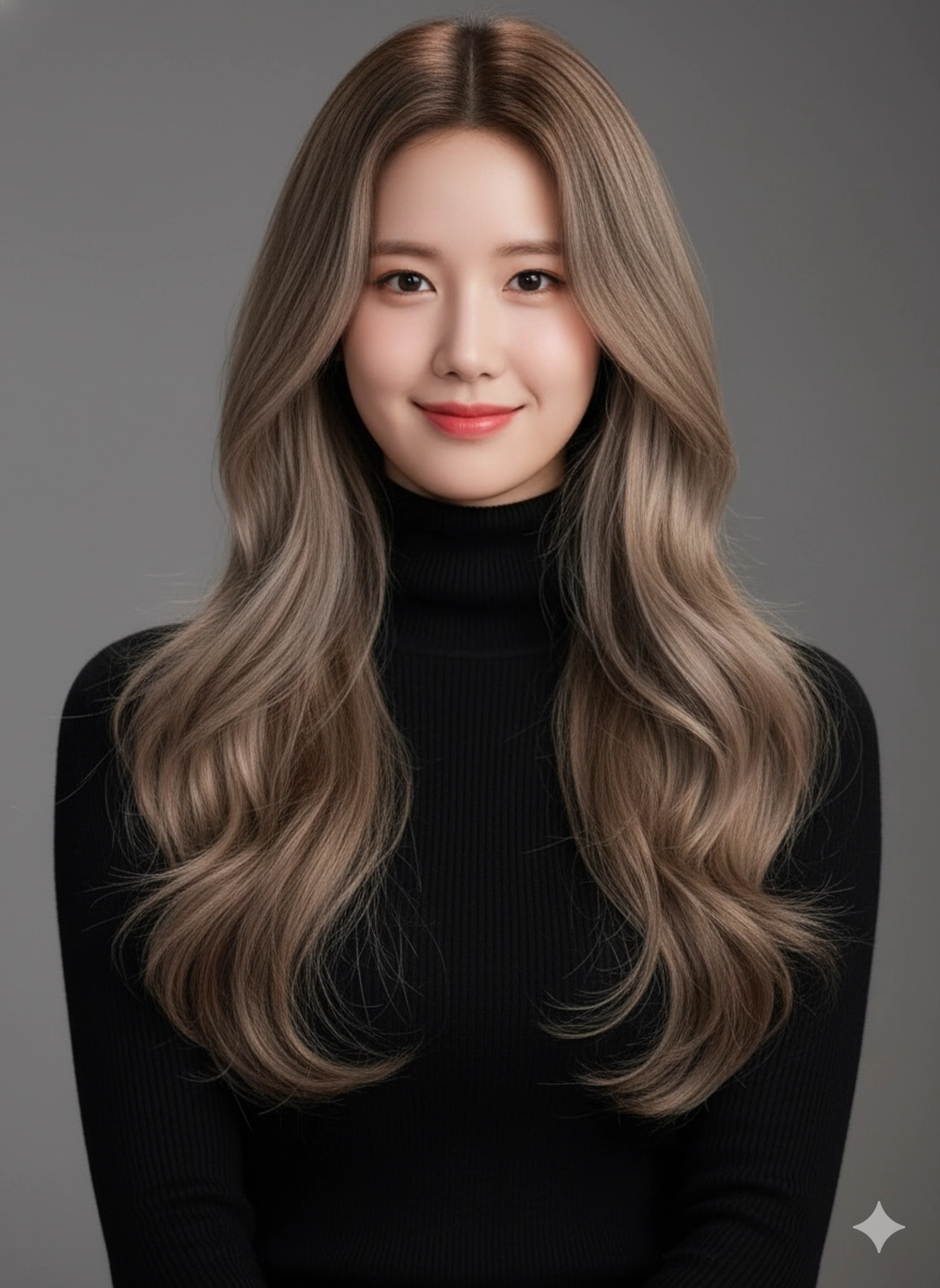
Hình 2: Màu nâu tro nhạt
Transform the reference photo into a hyper-realistic, high-resolution studio portrait. Preserve the exact facial features. Give the subject long, voluminous hair styled in loose, beachy waves that fall past her shoulders. The hair color is light ash-brown . Subject is wearing a fitted black turtleneck. Lighting is dramatic studio lighting with high contrast. Shot with an 85mm lens, smooth skin texture, neutral background
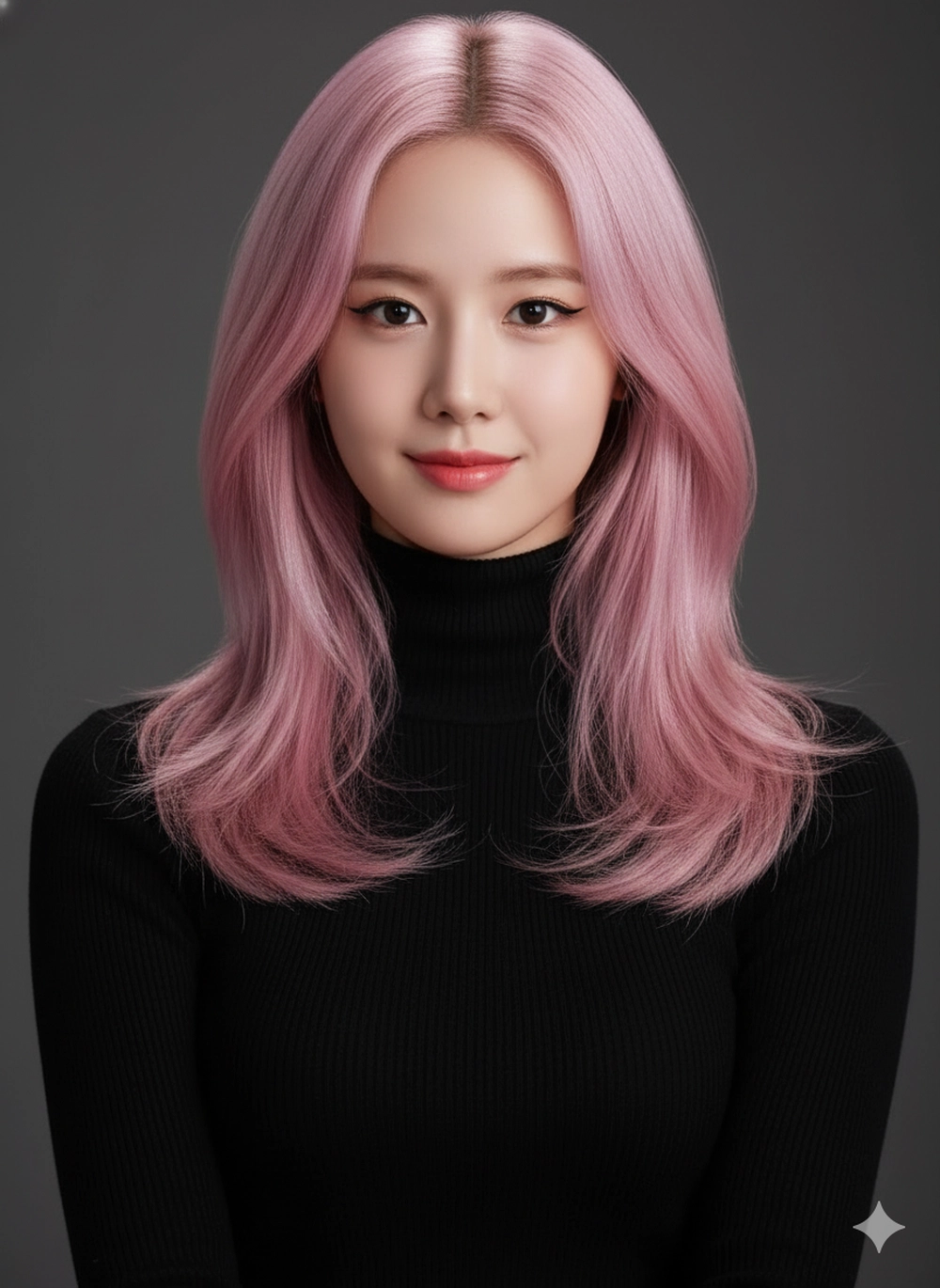
Hình 3: Màu hồng pastel
Transform the reference photo into a hyper-realistic, high-resolution studio portrait. Preserve the exact facial features. Give the subject a medium-length, layered cut and dyed a bold pastel pink color with a subtle metallic shine. Subject has simple winged eyeliner makeup. Subject is wearing a fitted black turtleneck. Lighting is dramatic studio lighting with high contrast. Shot with an 85mm lens, smooth skin texture, neutral background
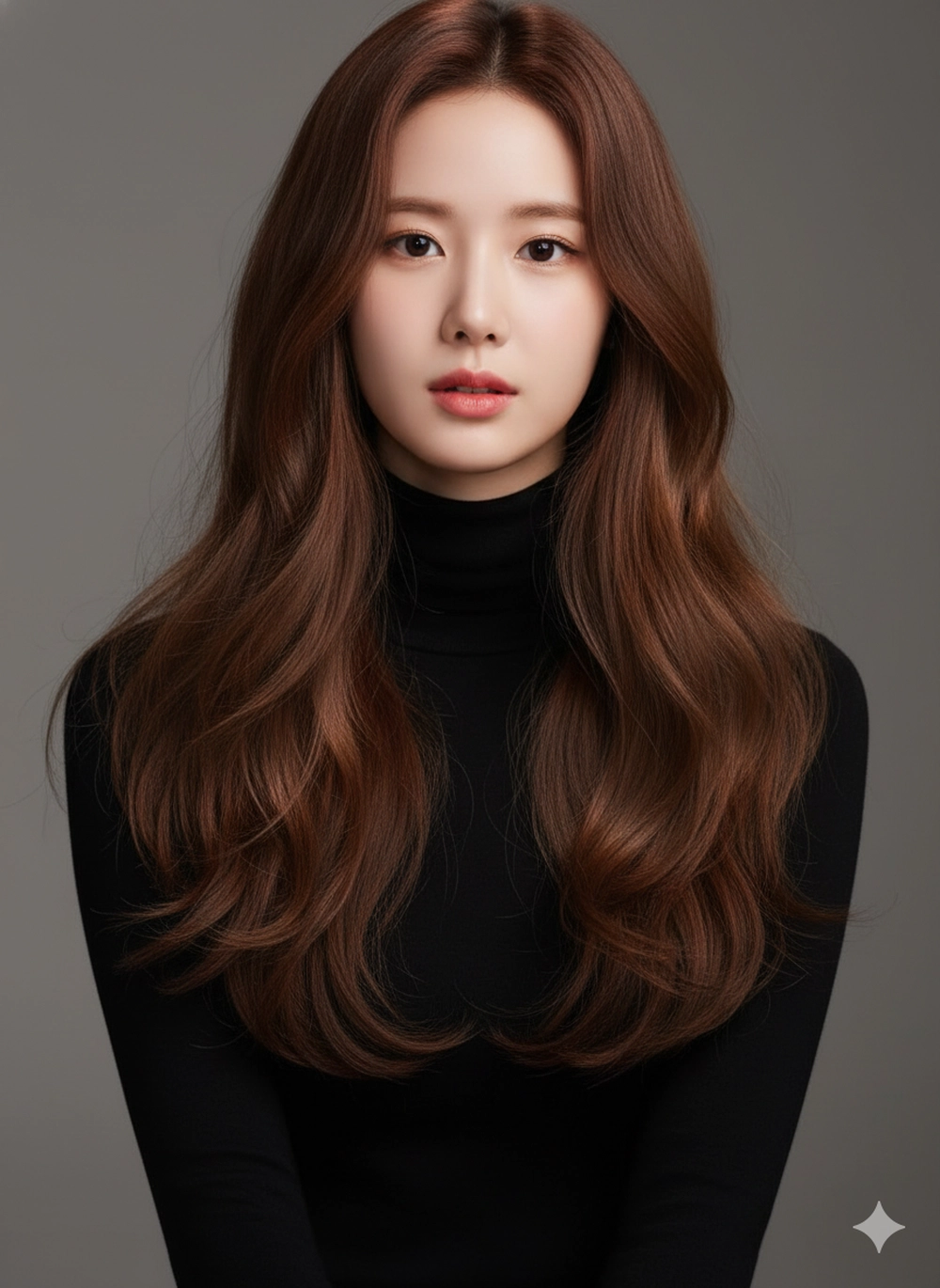
Hình 4: Màu nâu hạt dẻ
Transform the reference photo into a hyper-realistic, high-resolution studio portrait. Preserve the exact facial features. Give the subject long, voluminous hair styled in loose, beachy waves that fall past her shoulders. The hair color is warm chestnut brown with natural dimension. Subject is wearing a fitted black turtleneck. Lighting is dramatic studio lighting with high contrast. Shot with an 85mm lens, smooth skin texture, neutral background
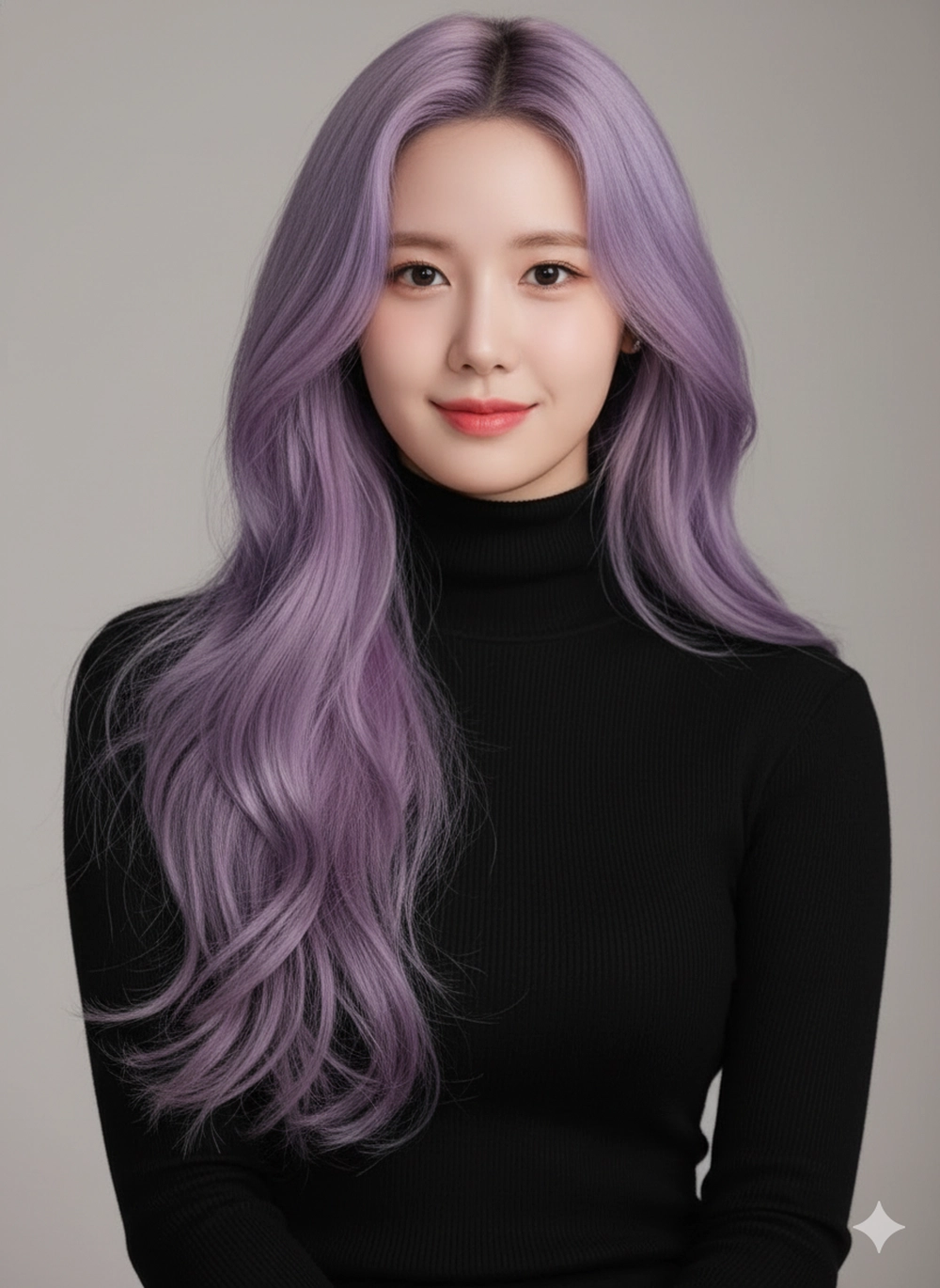
Hình 5: Màu tím khói
Transform the reference photo into a hyper-realistic, high-resolution studio portrait. Preserve the exact facial features. Give the subject long, voluminous hair styled in loose, beachy waves that fall past her shoulders. The hair color is Light Purple. Subject is wearing a fitted black turtleneck. Lighting is dramatic studio lighting with high contrast. Shot with an 85mm lens, smooth skin texture, neutral background
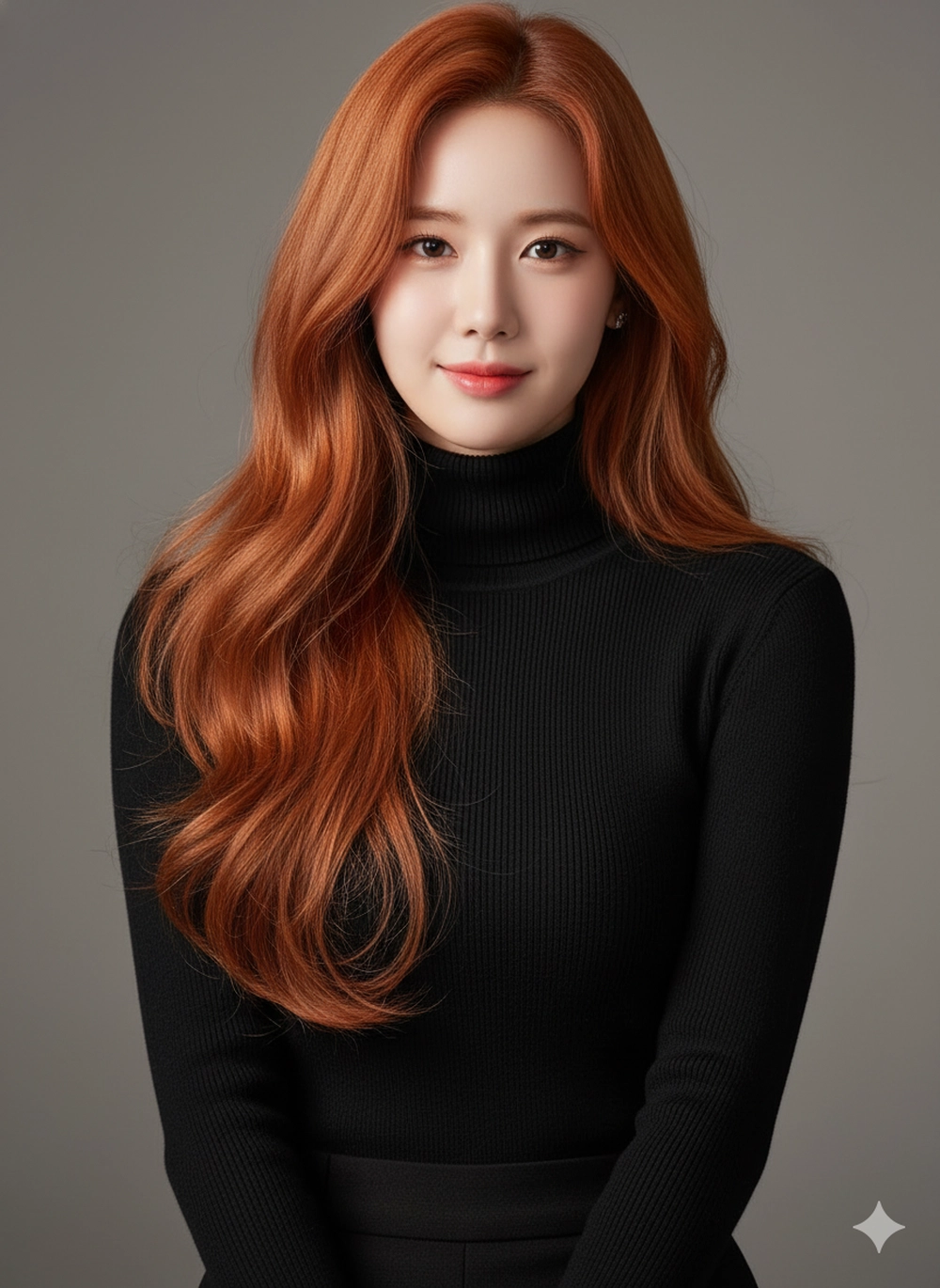
Hình 6: Màu nâu cam
Transform the reference photo into a hyper-realistic, high-resolution studio portrait. Preserve the exact facial features. Give the subject long, voluminous hair styled in loose, beachy waves that fall past her shoulders. The hair color is Orange Brown. Subject is wearing a fitted black turtleneck. Lighting is dramatic studio lighting with high contrast. Shot with an 85mm lens, smooth skin texture, neutral background
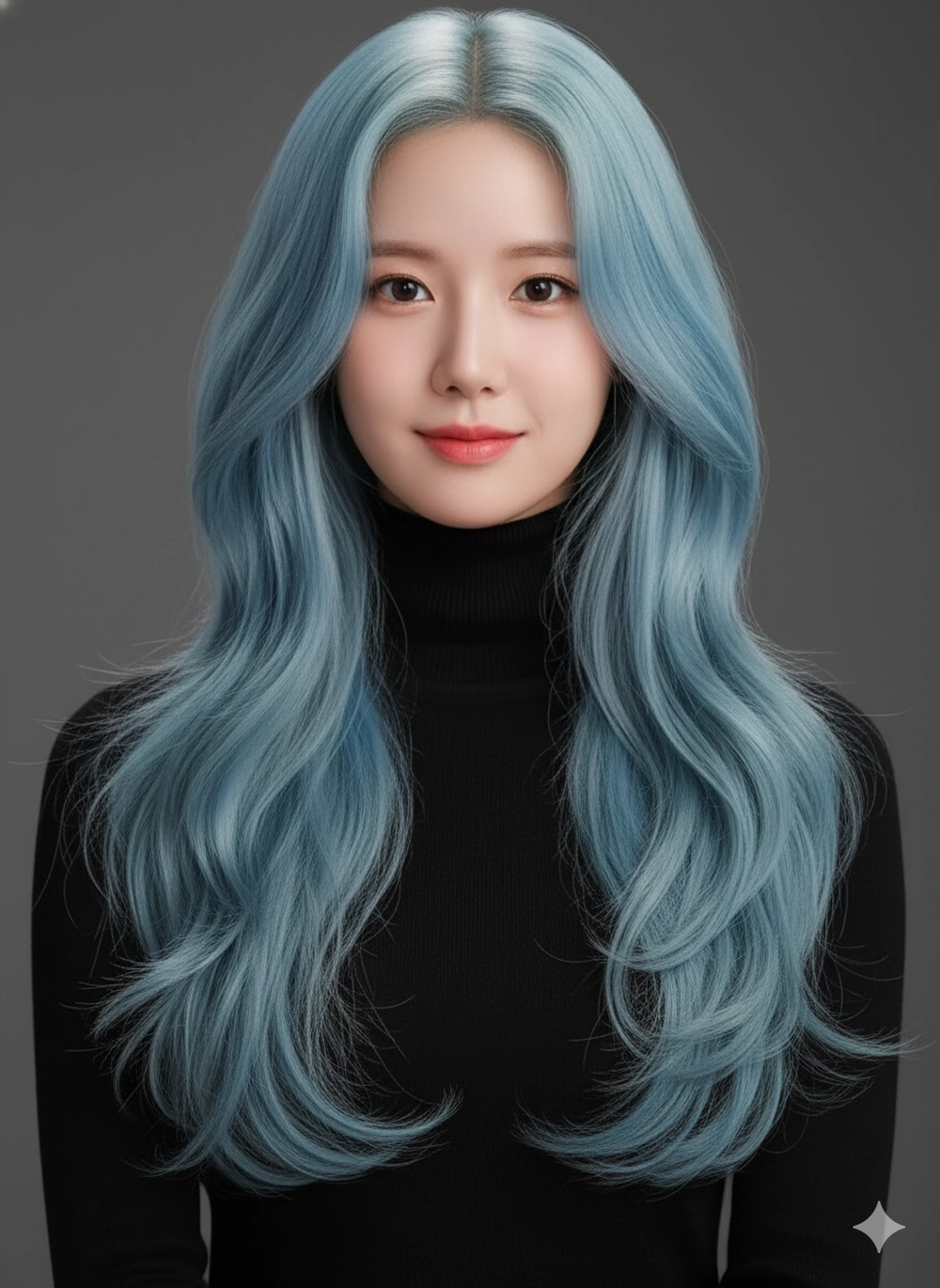
Hình 7: Màu xanh biển cả
Transform the reference photo into a hyper-realistic, high-resolution studio portrait. Preserve the exact facial features. Give the subject long, voluminous hair styled in loose, beachy waves that fall past her shoulders. The hair color is Light Blue. Subject is wearing a fitted black turtleneck. Lighting is dramatic studio lighting with high contrast. Shot with an 85mm lens, smooth skin texture, neutral background
Bước 3: Tinh chỉnh và tải về
Đợi một lát, AI sẽ xử lý trong vài giây để cho ra ảnh kiểu tóc như yêu cầu. Nếu chưa ưng ý, bạn có thể ra thêm lệnh hoặc bấm “Regenerate” để AI tạo phiên bản khác tốt hơn. Khi đã có bức ảnh kiểu tóc đủ “wow”, bạn chỉ cần tải về và đăng tải lên mạng xã hội hoặc mang ra tiệm làm tóc nếu muốn thay đổi diện mạo mới.
Lưu ý quan trọng để ảnh đúng như yêu cầu
Để ảnh AI đổi tóc bằng Gemini đẹp như ý, đầu tiên bạn cần chú trọng chất lượng ảnh gốc. Hãy dùng ảnh gốc rõ nét, chính diện để AI giữ được đặc điểm khuôn mặt chính xác. Tiếp theo, bạn cần mô tả cụ thể màu sắc tóc (Ash-brown, Pastel pink) và các chi tiết phụ về kiểu dáng tóc.
Quan trọng nhất, cần thêm lệnh giữ nguyên khuôn mặt như “Preserve the exact facial features” để ngăn ngừa biến dạng không nhận ra bản thân. Cuối cùng, đừng ngại thử nhiều lần với cùng câu lệnh để tìm ra kết quả hoàn hảo nhất.